Our Methodology for Building
Reliable SharePoint Intranet & Communication Portals
At Webotix, we follow a structured methodology to design and implement modern SharePoint
intranet portals that improve internal communication, information visibility, and access to
organizational resources. Our approach focuses on creating centralized digital workspaces
that are scalable, user-friendly, and aligned with organizational branding and operational
needs.
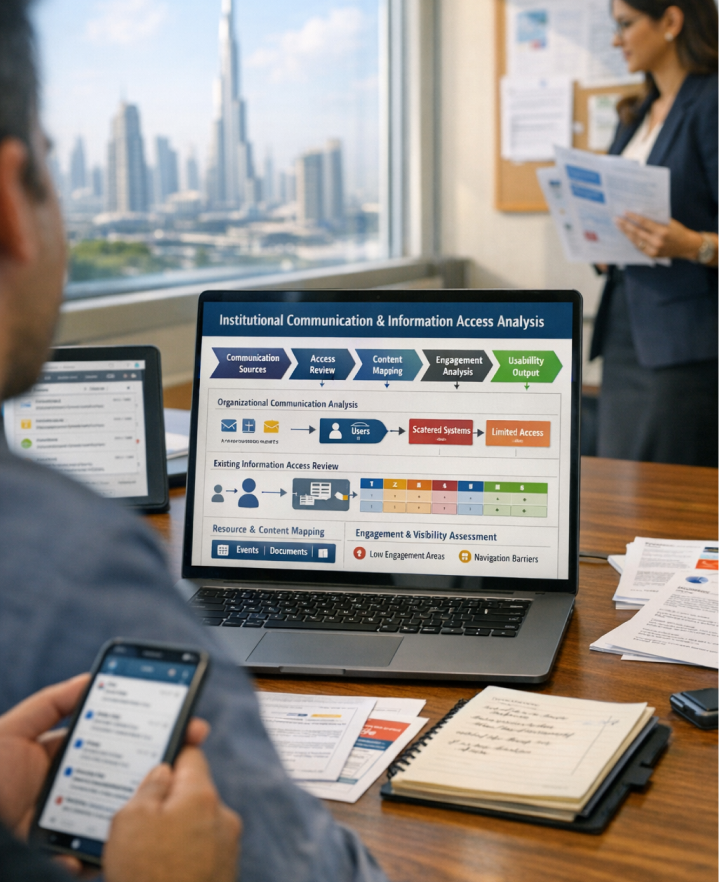
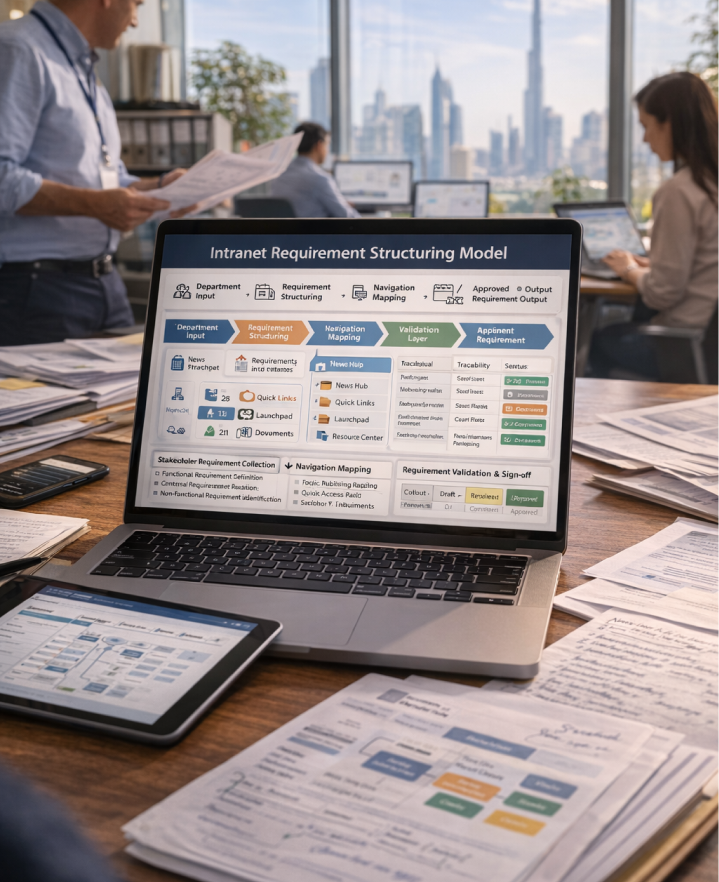
To understand the organization’s communication challenges, information access issues, and limitations caused by scattered resources across emails and shared folders. This phase focuses on analyzing how staff, scholars, and committee members currently access announcements, documents, and internal services. The insights gathered help define the scope of the intranet solution and guide the creation of a centralized communication and information platform.
Organizational Communication Analysis: Studied how updates, announcements, and information were shared across staff and committees. ➤ Existing Information Access Review: Analyzed how users accessed documents, resources, and institutional information. ➤ Resource & Content Mapping: Mapped announcements, events, documents, and internal services required for the portal. ➤ Engagement & Visibility Assessment Reviewed challenges related to limited visibility of announcements and events. 5 Usability & Accessibility Evaluation: Reviewed challenges related to limited visibility of announcements and events.
- Conducted discovery sessions with organizational stakeholders
- Analyzed communication and information sharing workflows
- Validated requirements using real operational scenarios
- Prioritized features based on usability and engagement impact
- Maintained alignment between organizational needs and portal design
- Clear understanding of communication and information access challenges
- Identification of visibility gaps for announcements and events
- Alignment between organizational goals and portal functionality
- Reduced risk during portal implementation
- Strong foundation for building a centralized communication platform
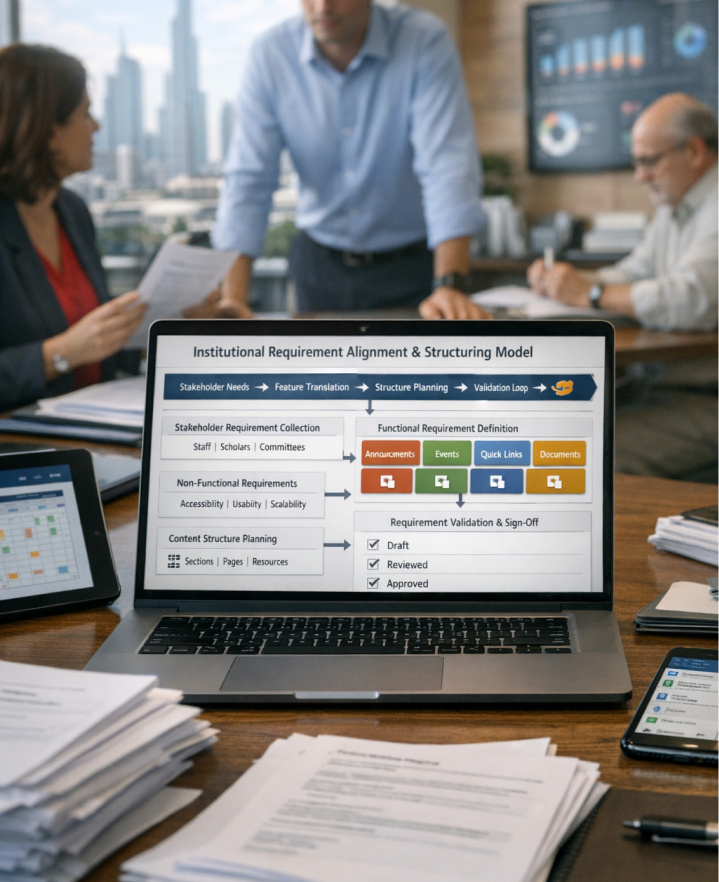
To convert identified communication challenges and information management needs into structured requirements for the SharePoint intranet portal. This stage ensures that the platform supports announcements, document access, internal services, and engagement features required by staff and committees.
Stakeholder Requirement Collection: Captured requirements from staff, scholars, and organizational committees. ➤ Functional Requirement Definition: Defined features such as announcements, events, quick links, document access, and recognition sections. ➤ Non-Functional Requirement Identification: Outlined expectations related to accessibility, usability, and scalability. ➤ Content Structure Planning: Defined structure for organizational information, resources, and internal services. ➤ Requirement Validation & Sign-Off: Reviewed requirements with stakeholders to ensure clarity and alignment.
- Converted requirements into structured development tasks
- Maintained traceability between requirements and portal features
- Conducted iterative reviews with stakeholders
- Prioritized features based on communication and engagement needs
- Ensured alignment between design and implementation teams
- Clearly defined intranet portal requirements
- Reduced development rework and ambiguity
- Improved collaboration between stakeholders and development teams
- Faster transition from planning to solution design
- Strong foundation for portal development
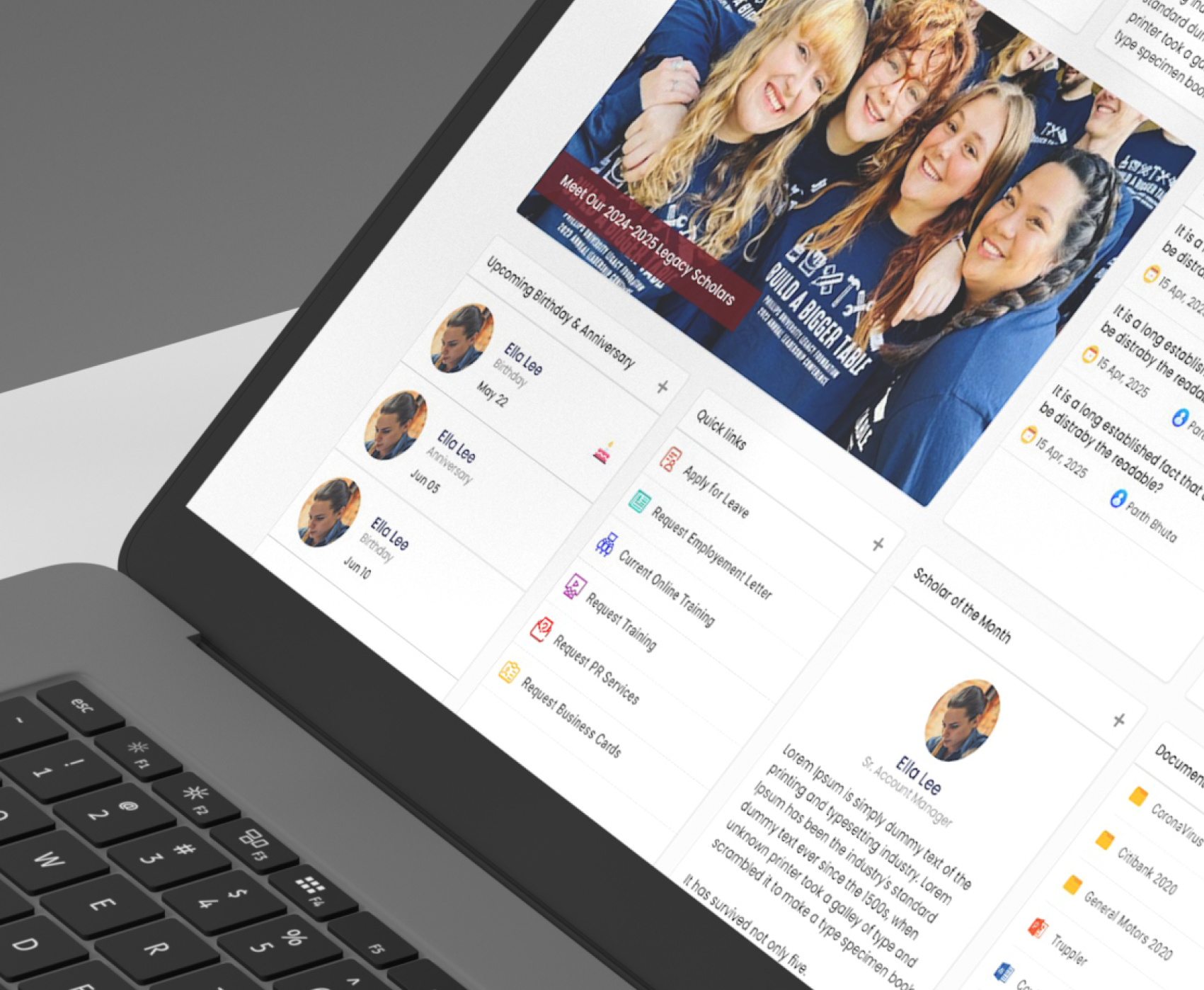
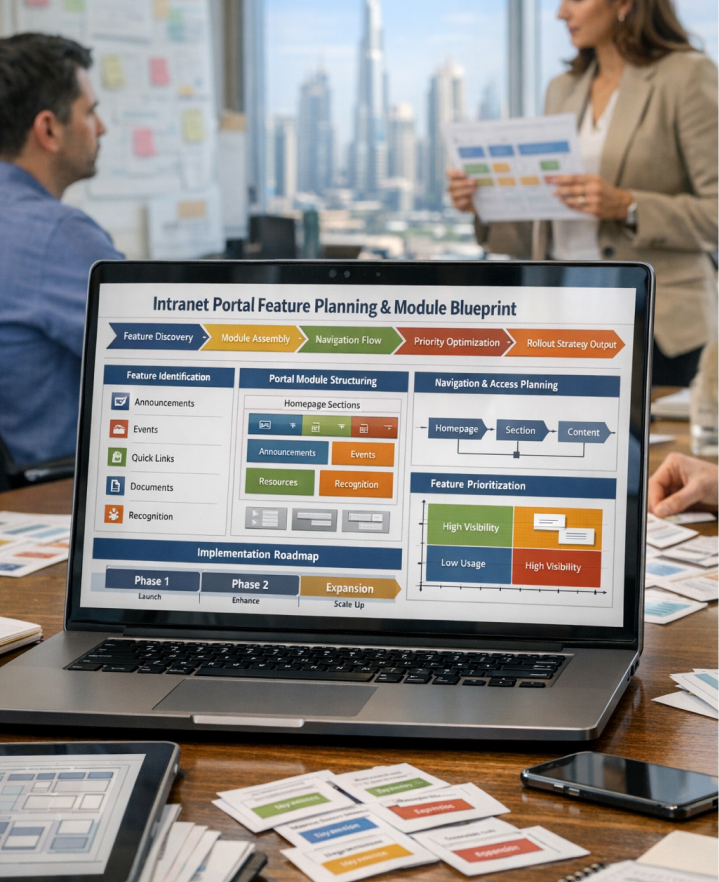
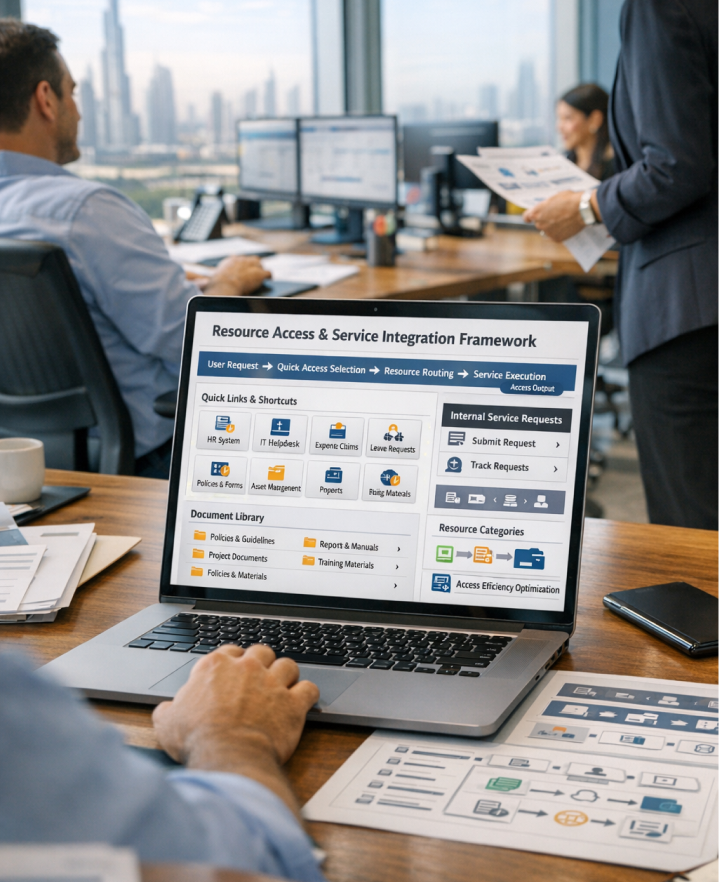
To design a structured SharePoint intranet solution by defining portal modules, navigation structure, and key communication features. This phase ensures the platform supports announcements, events, document access, recognition features, and operational quick links within a clear and organized layout.
Feature Identification: Identified core portal features including announcements, events, quick links, document libraries, and recognition sections. ➤ Portal Module Structuring: Organized features into structured homepage sections and resource modules. ➤ Navigation & Access Planning: Designed clear pathways for accessing information, services, and resources. ➤ Feature Prioritization: Prioritized features that improve communication visibility and user engagement. ➤ Implementation Roadmap Planning: Prepared a structured rollout plan for the portal implementation.
- Planned features through incremental development phases
- Balanced immediate communication needs with future scalability
- Reviewed feature scope during development cycles
- Ensured feasibility between design and implementation
- Maintained flexibility for future enhancements
- Clear visibility into portal features and capabilities
- Reduced implementation complexity
- Faster delivery of key communication features
- Improved planning and development control
- Future-ready portal roadmap
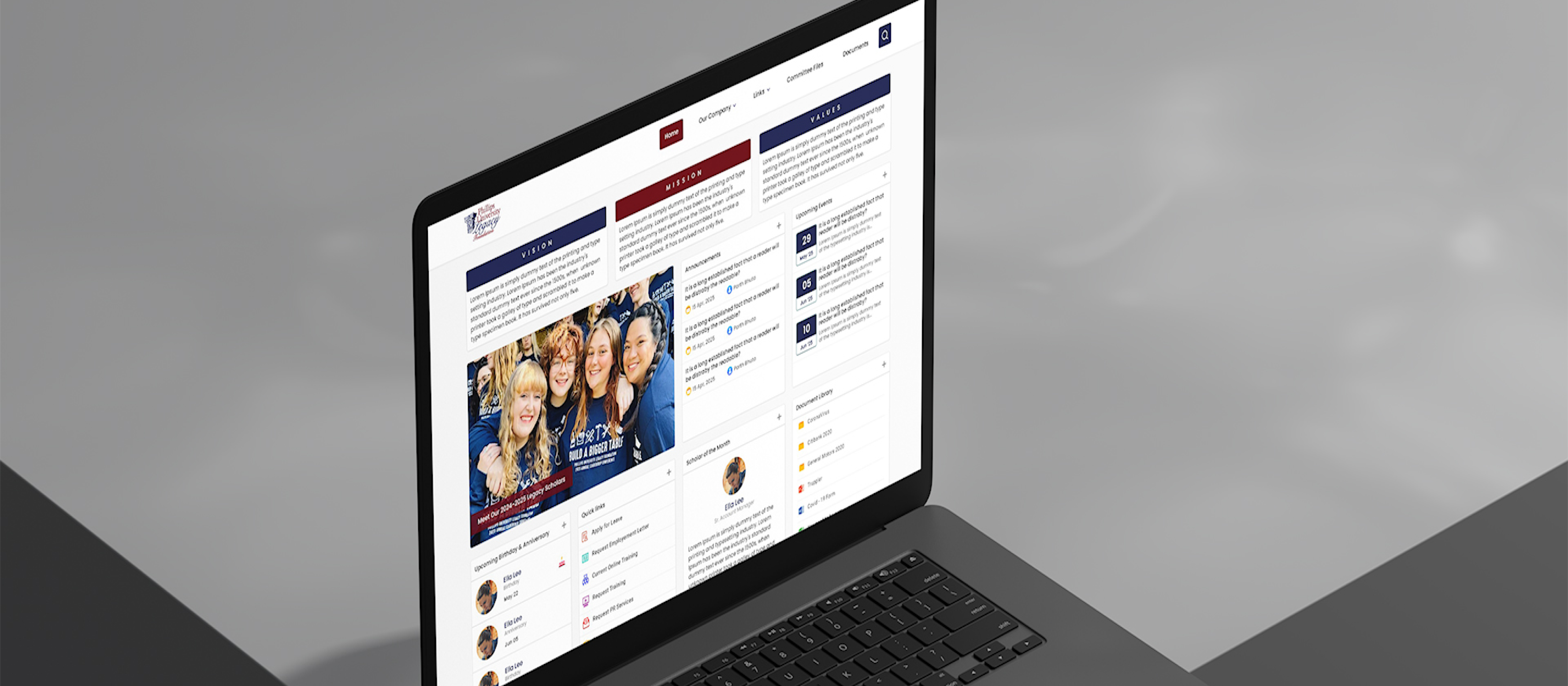
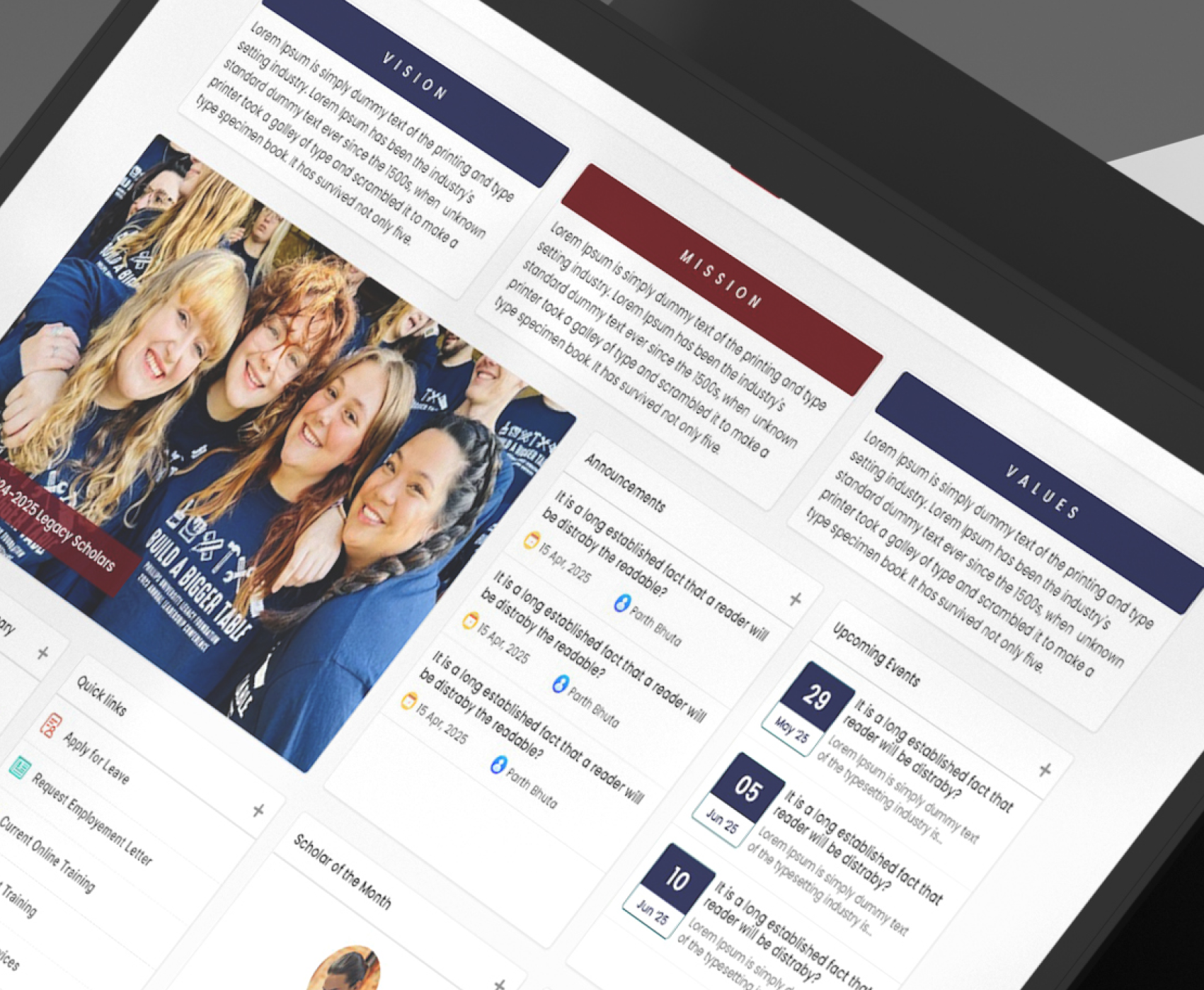
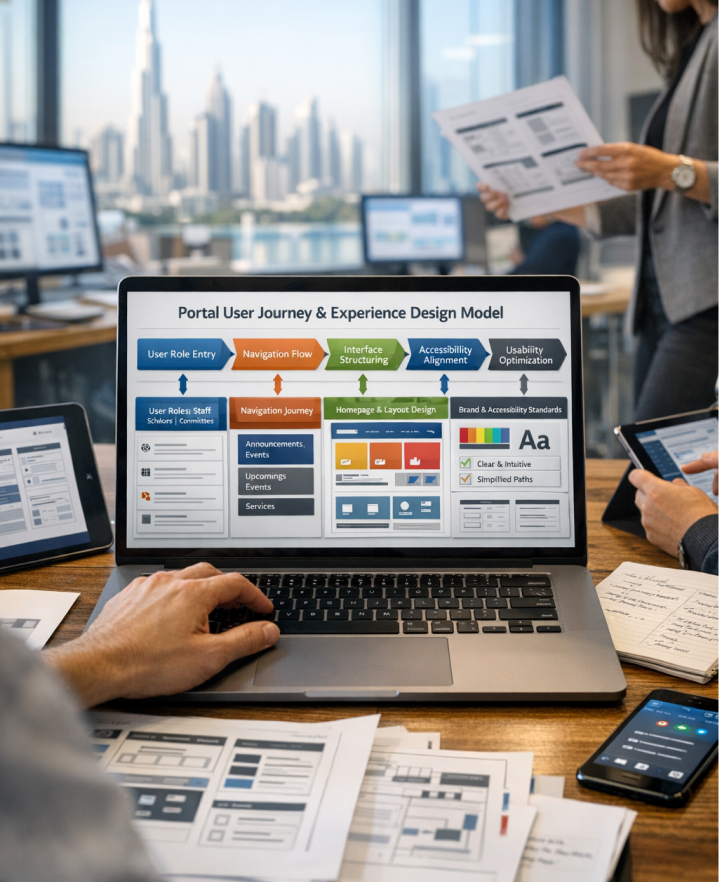
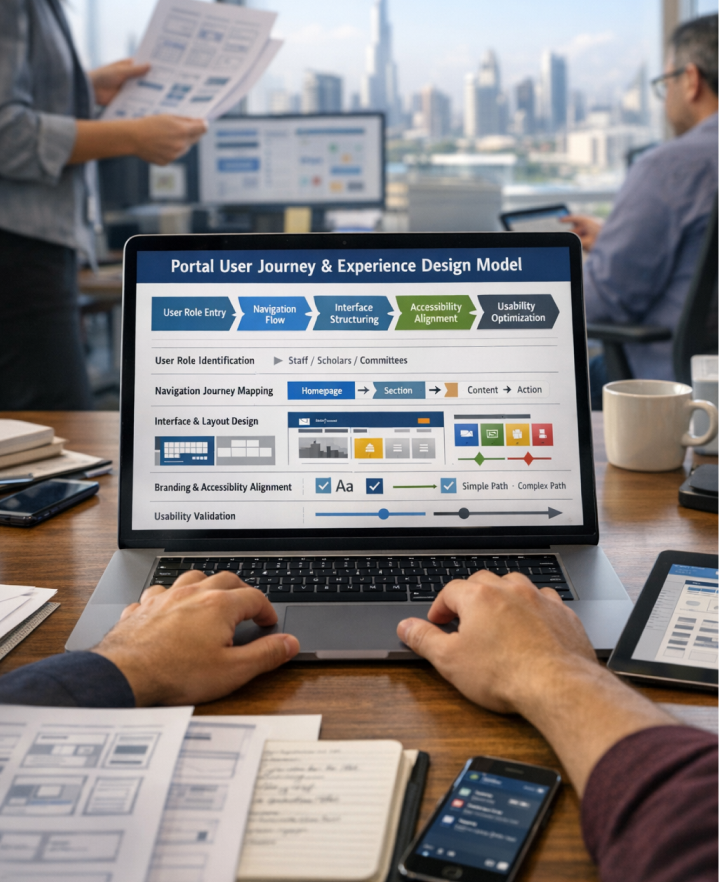
To design an intuitive portal experience that allows users to easily access announcements, events, documents, and internal services. This phase focuses on creating clear navigation, structured page layouts, and engaging sections that improve usability and information visibility.
User Role Identification: Defined user groups including staff, scholars, and committee members. ➤ Navigation Journey Mapping: Mapped workflows for accessing announcements, events, documents, and services. ➤ Interface & Layout Design: Designed a clean grid-based layout with clear visual hierarchy. ➤ Branding & Accessibility Alignment: Applied typography, color usage, and spacing aligned with organizational branding. ➤ Usability Validation: Reviewed user journeys to ensure clarity and efficient navigation.
- Iteratively refined user journeys based on feedback
- Validated navigation before development
- Ensured design aligned with communication goals
- Reviewed UX improvements during implementation cycles
- Maintained consistent design patterns across the portal
- Faster access to organizational information
- Reduced navigation complexity for users
- Improved visibility of announcements and events
- Higher engagement across staff and committees
- Consistent user experience across the portal
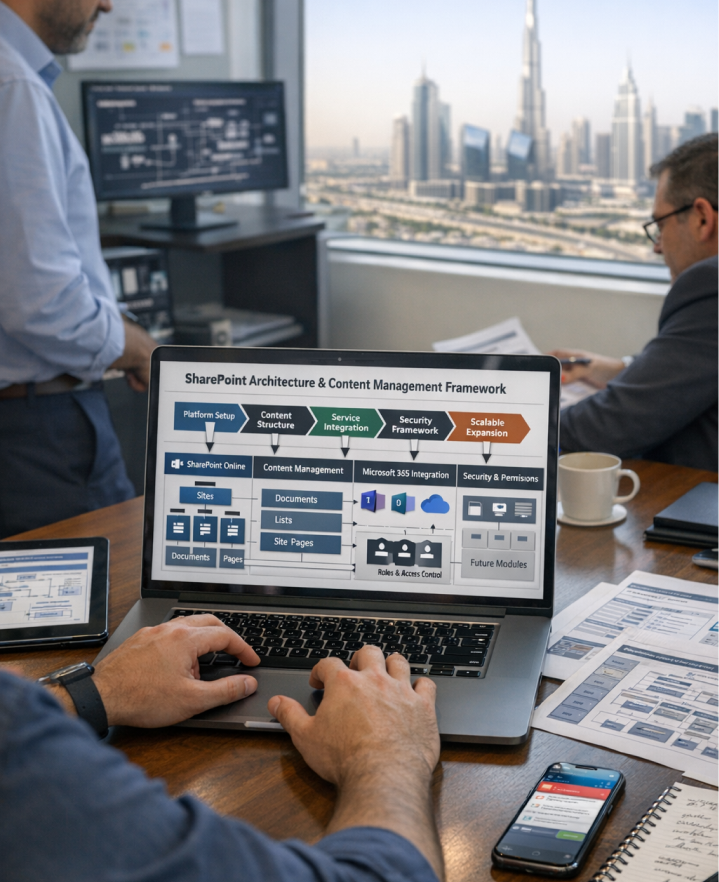
To design a scalable and maintainable technical architecture using Microsoft 365 technologies that supports long-term portal growth and content management.
Technology Platform Selection: Selected SharePoint Online modern experience as the core platform. ➤ Content Management Structure Design: Defined document libraries and structured content storage. ➤ Integration Planning: Ensured compatibility with Microsoft 365 services. ➤ Security & Permission Design: Implemented role-based access and permission controls. ➤ Scalability Planning: Designed expandable navigation and reusable layouts for future growth.
- Selected technologies aligned with Microsoft 365 standards
- Validated architecture through implementation reviews
- Balanced performance, usability, and maintainability
- Enabled modular portal expansion
- Maintained flexibility for future automation
- Stable and scalable SharePoint intranet platform
- Improved information accessibility and performance
- Simplified document and content management
- Reduced long-term maintenance challenges
- Sustainable foundation for future digital initiatives